
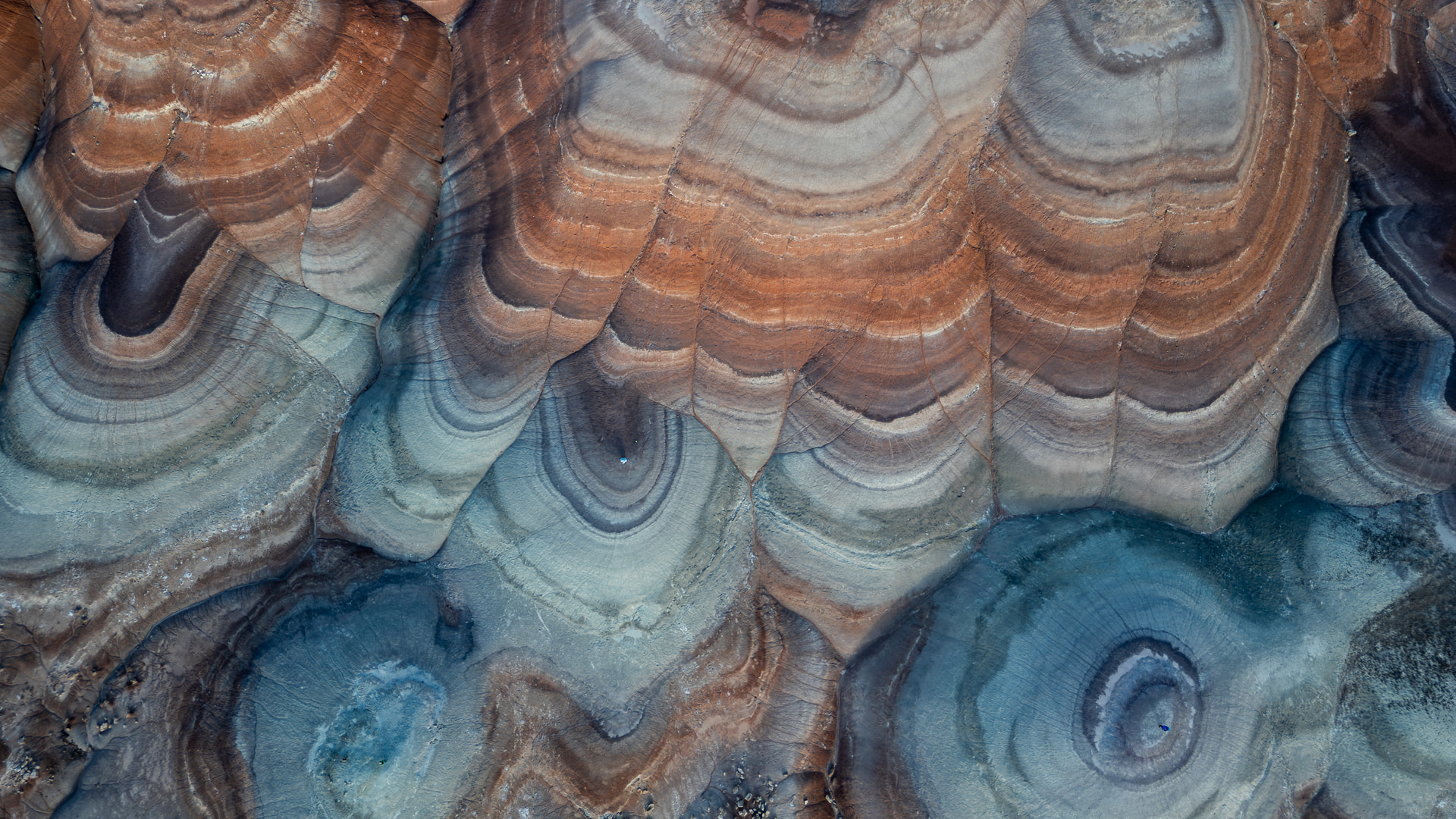

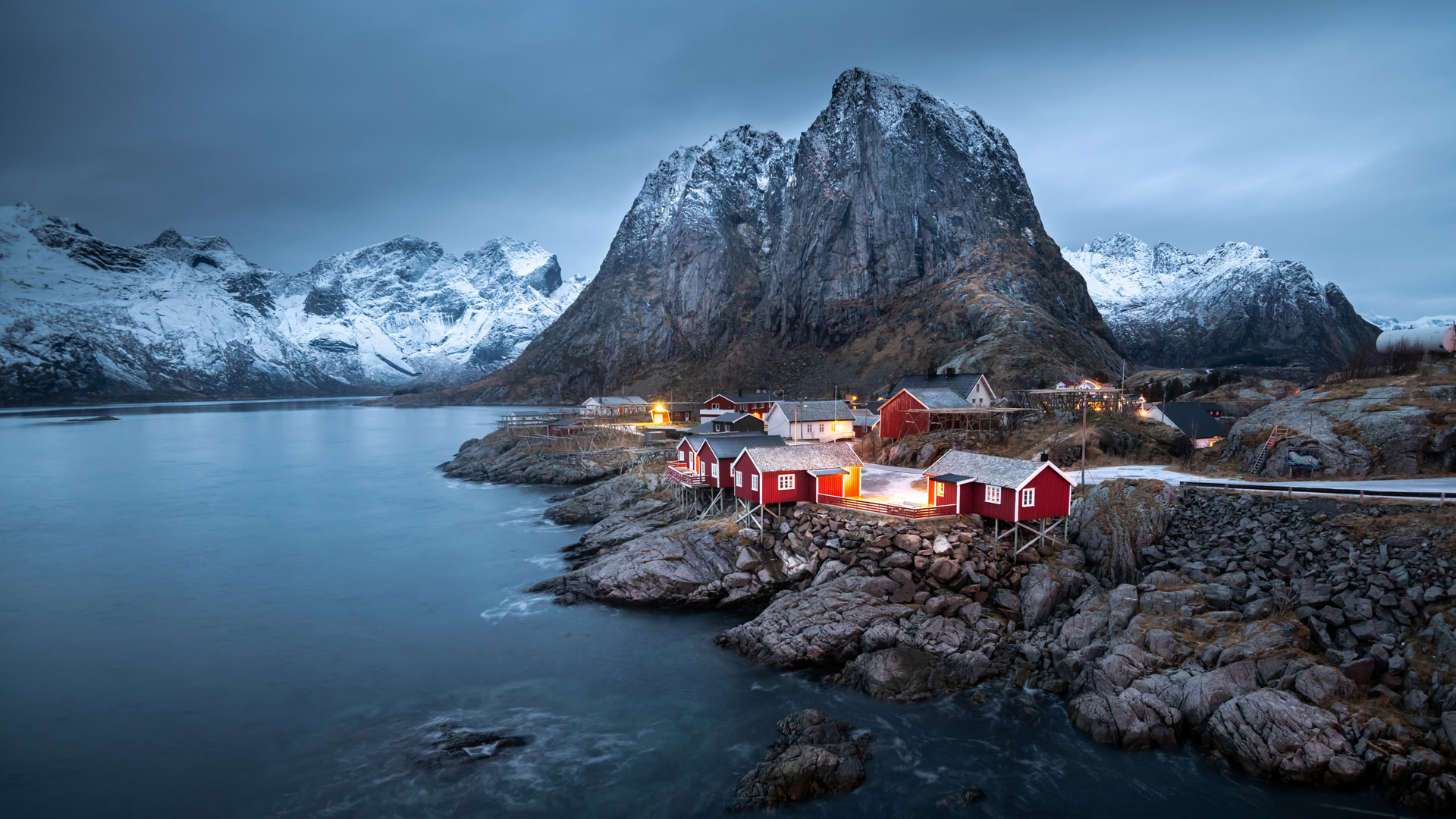
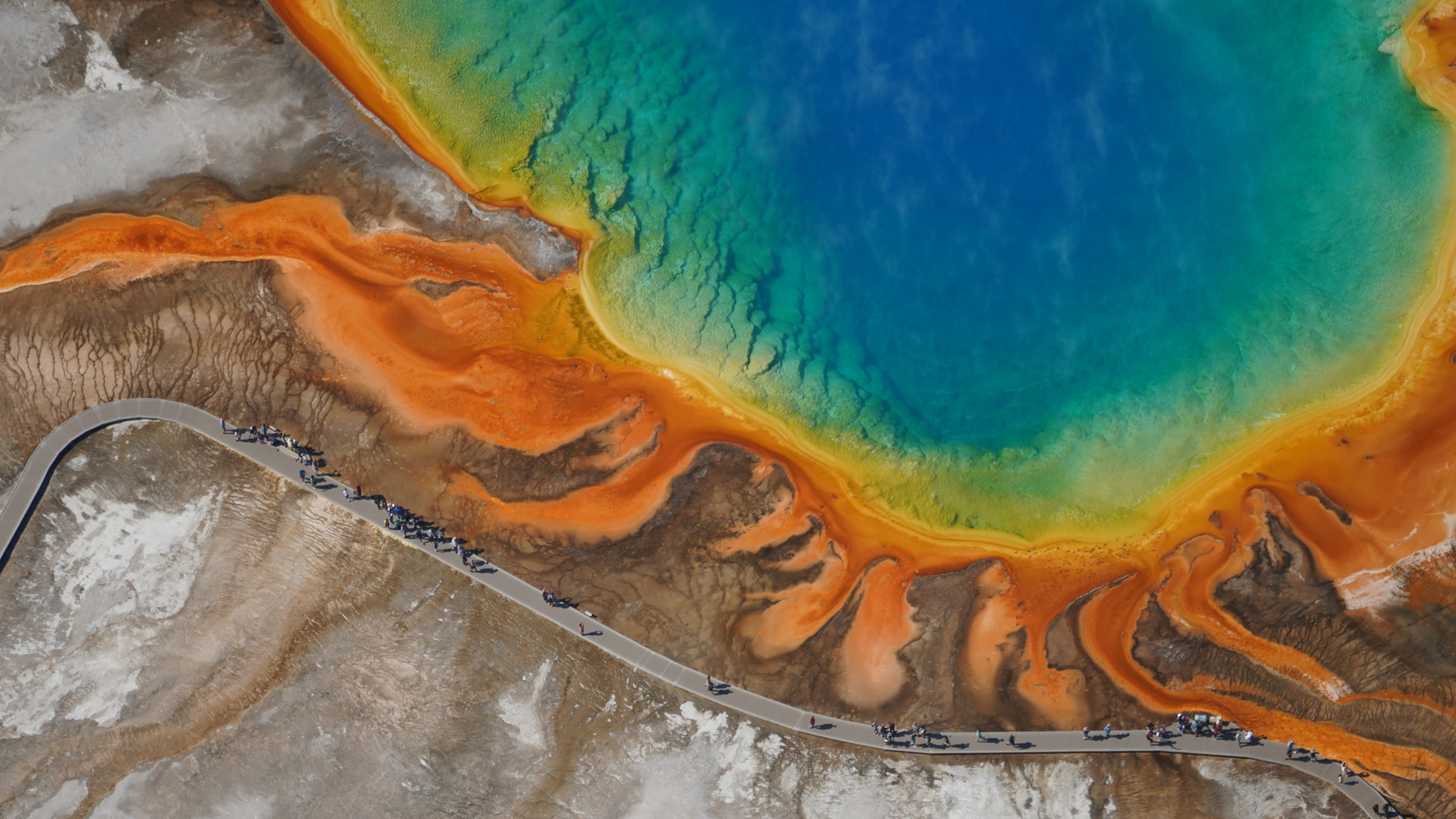

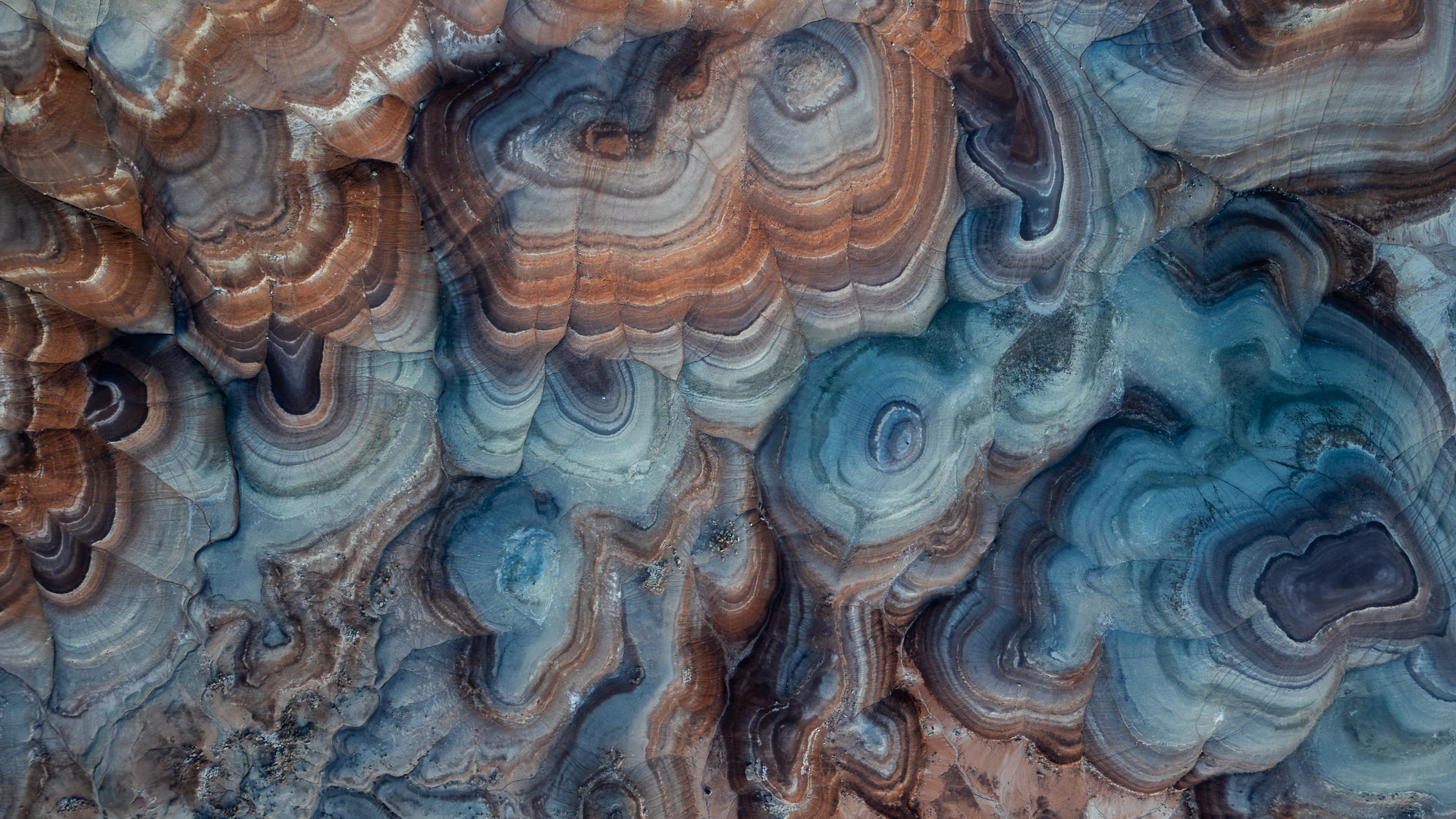

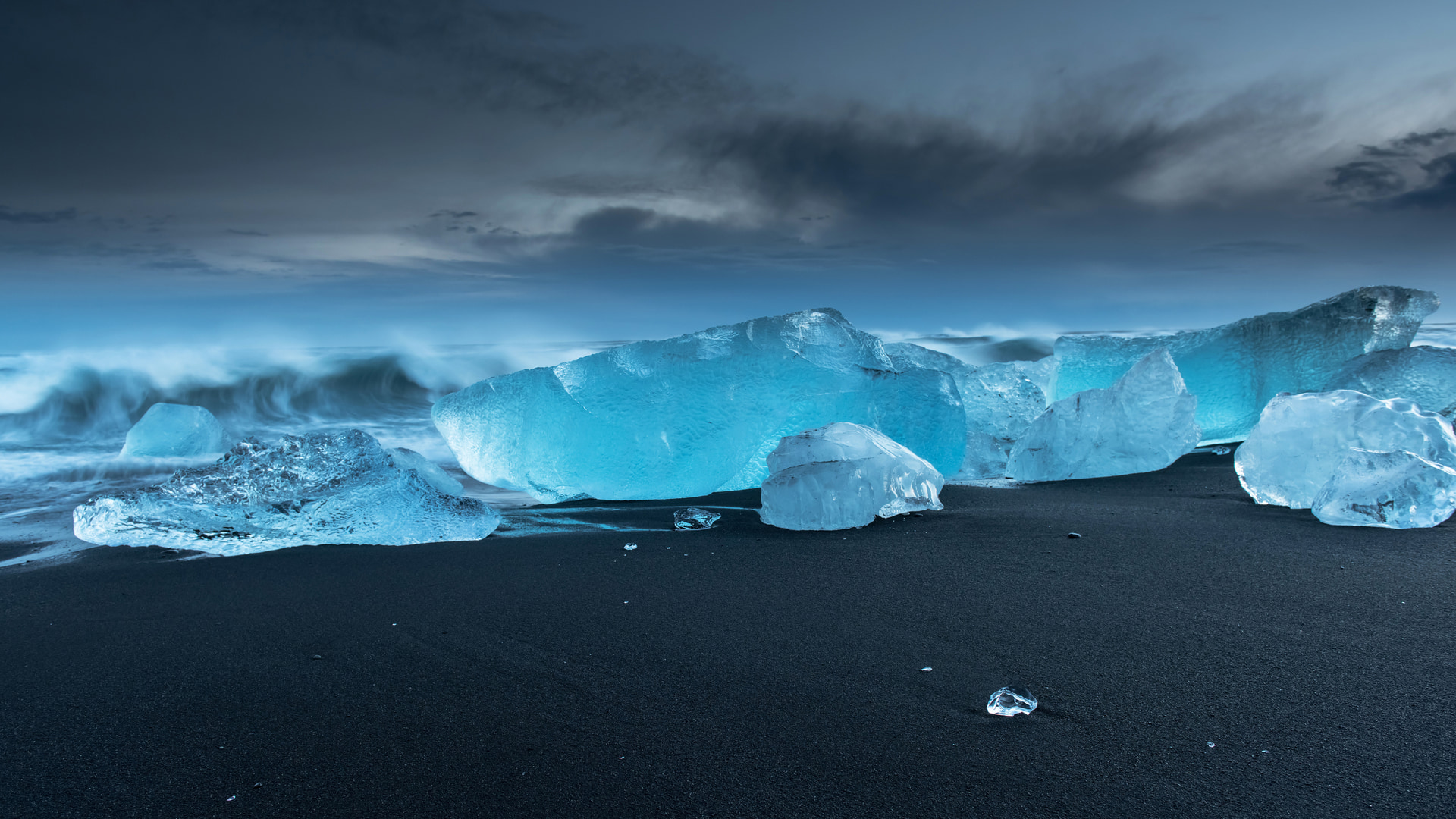
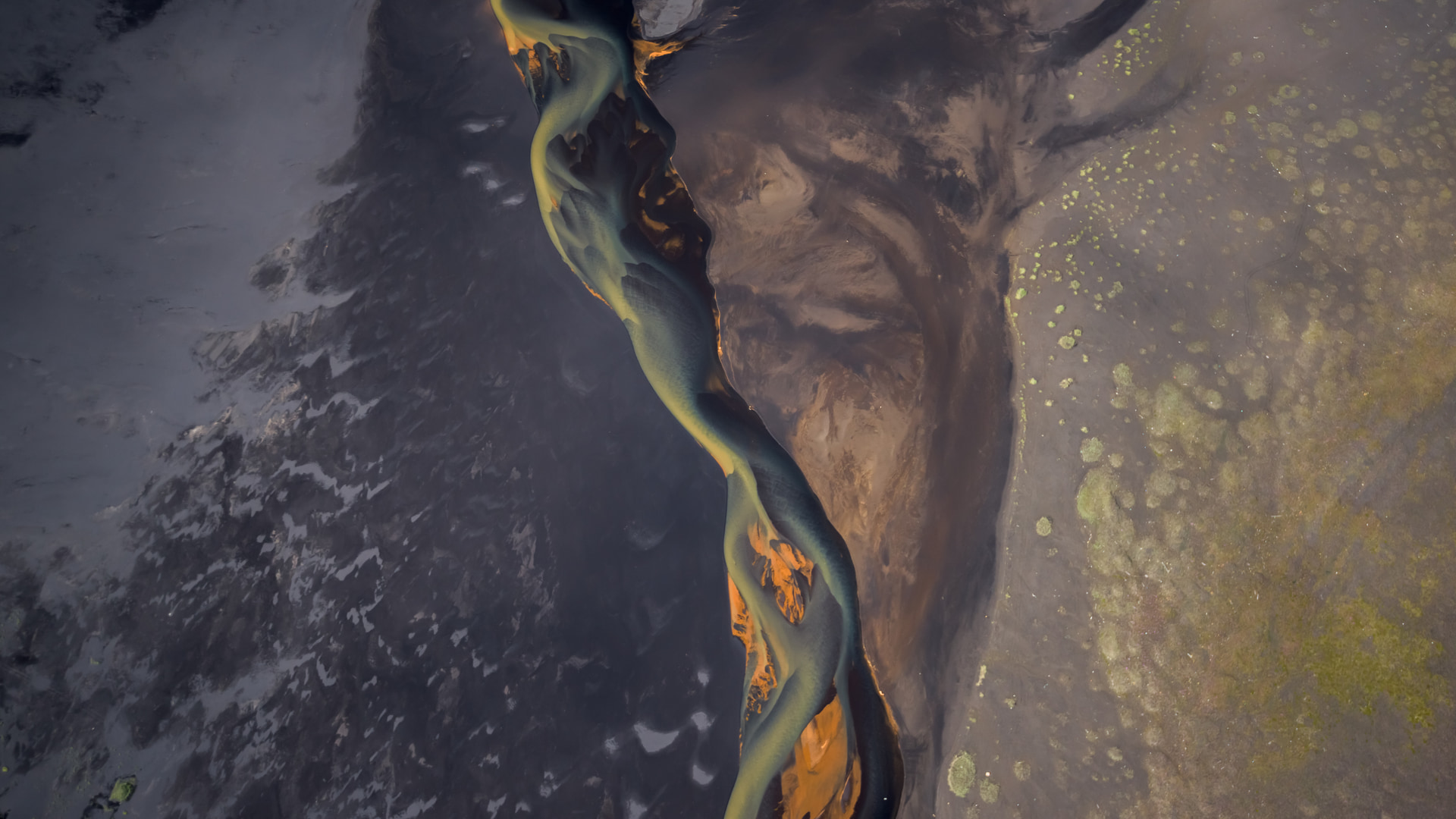
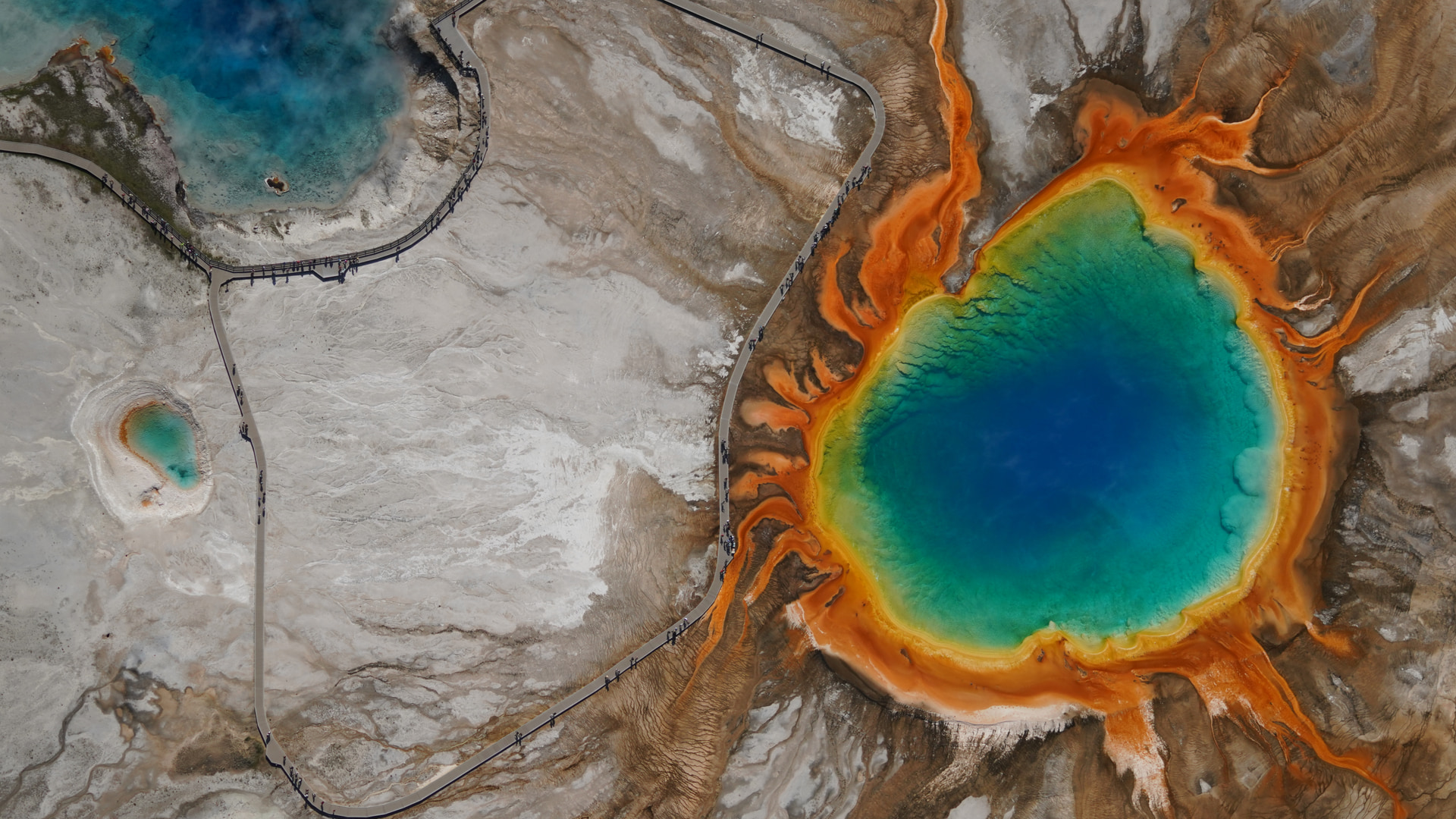



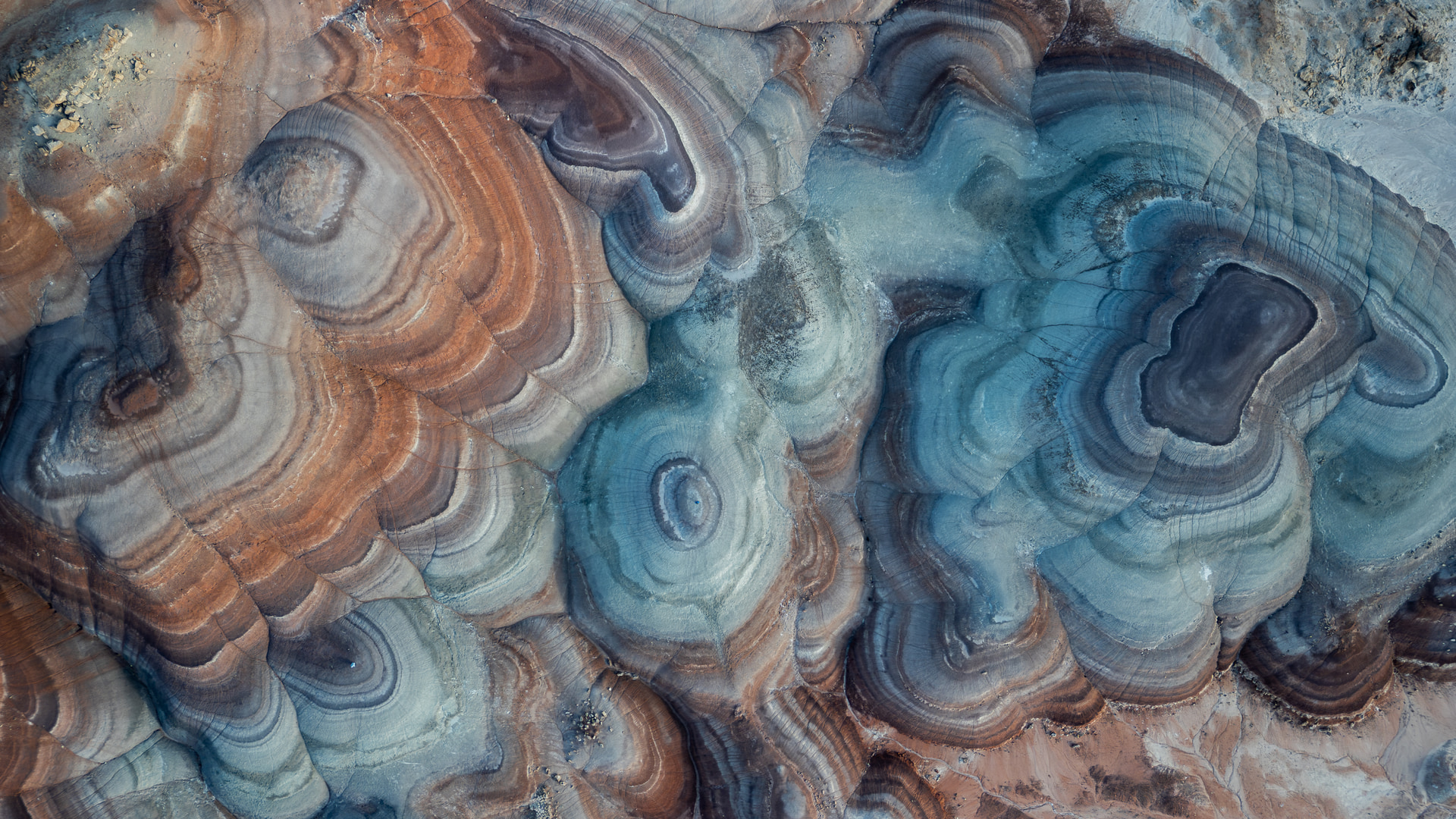
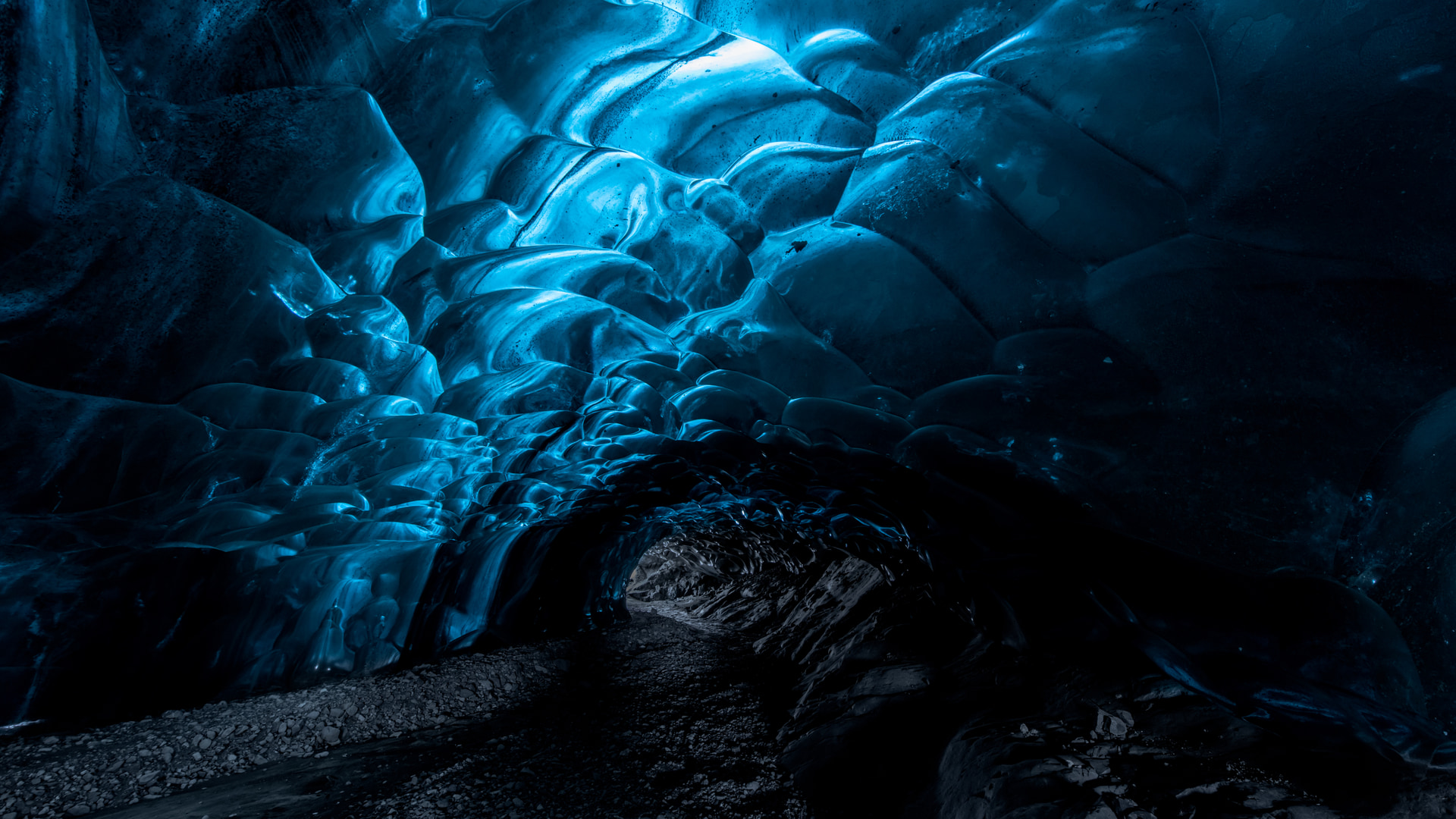
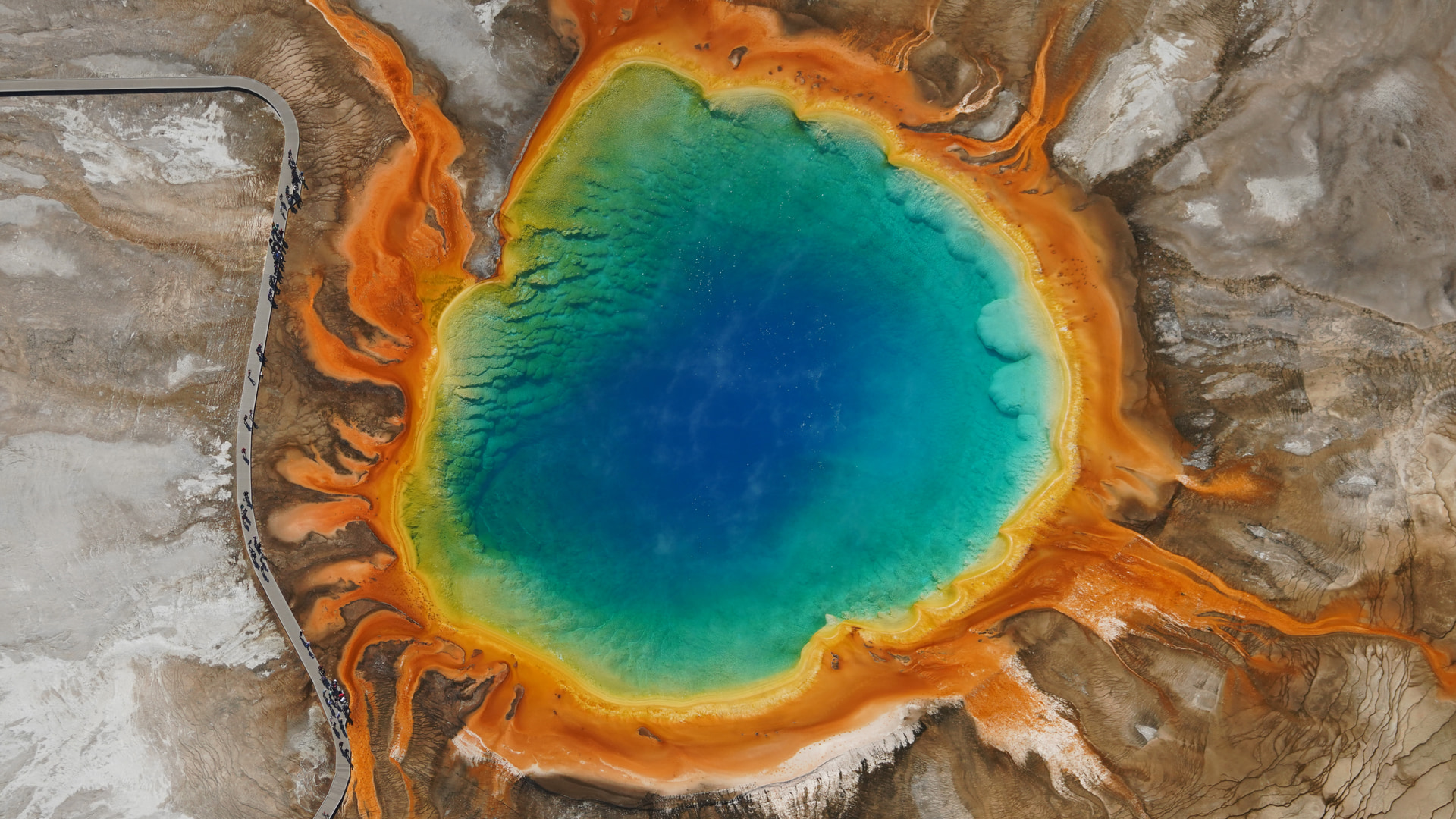
The LG Gallery TV hangs flat on the wall like a picture and shows art when it is idle. My 4K photos, 3840 × 2160 and 16:9, fill its screen with no black bars. I am a landscape and travel photographer based in Edmonton, Alberta, and I shoot every photo on location myself.
- 55"4K
- 65"4K
Art for Gallery TV
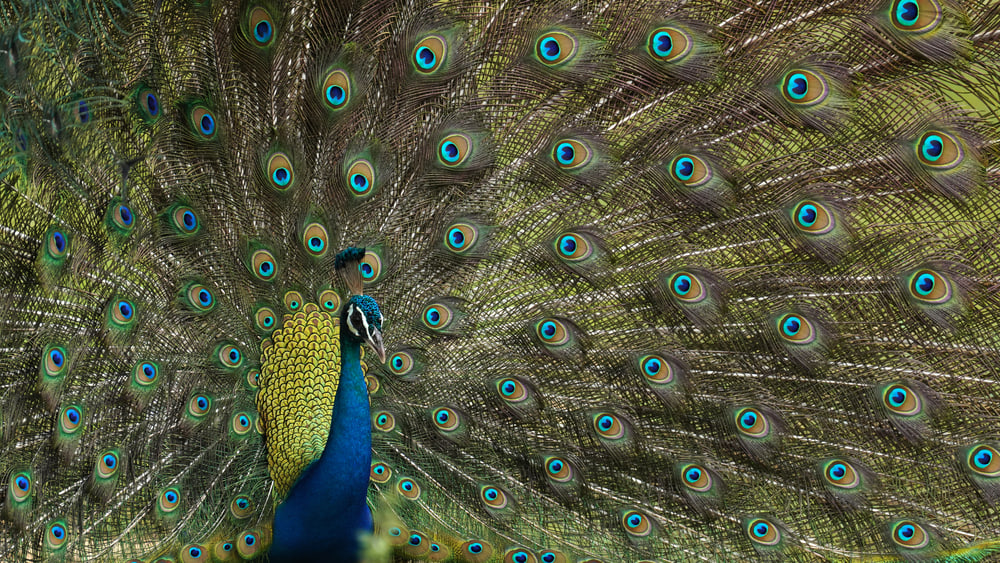
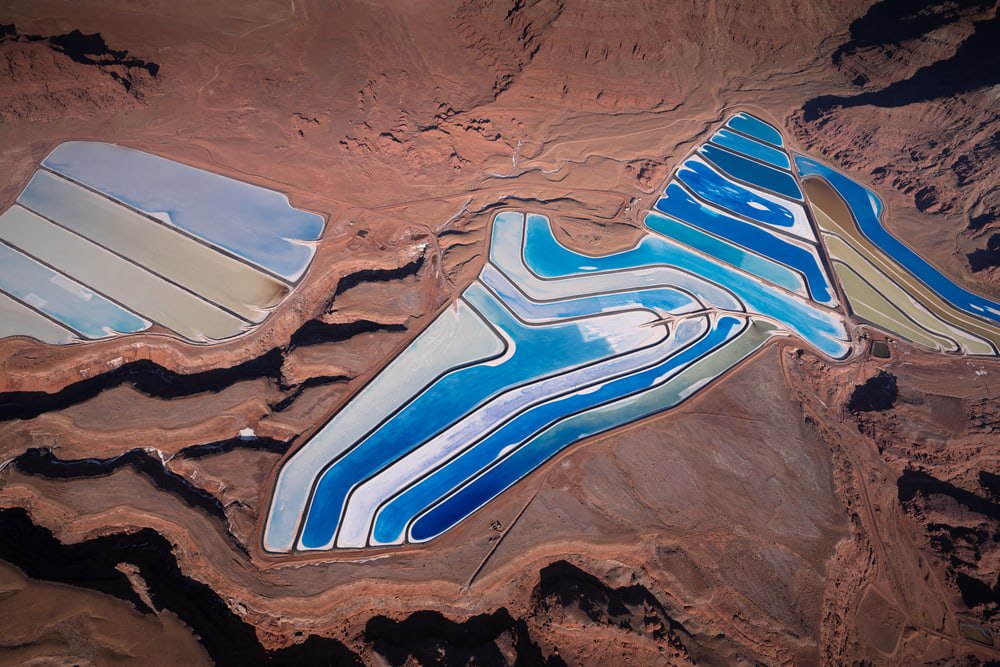
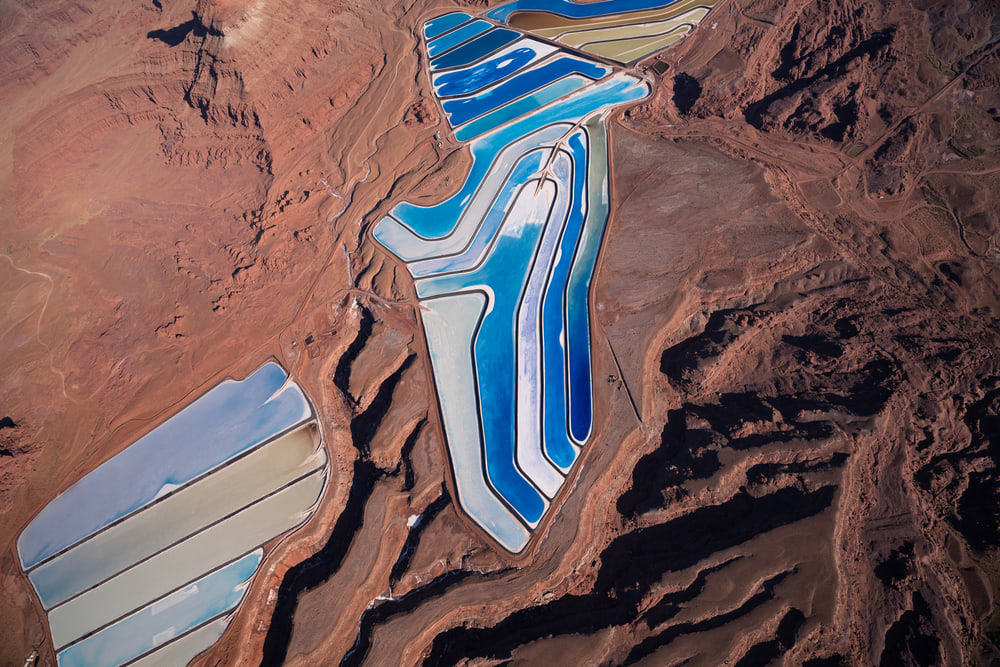
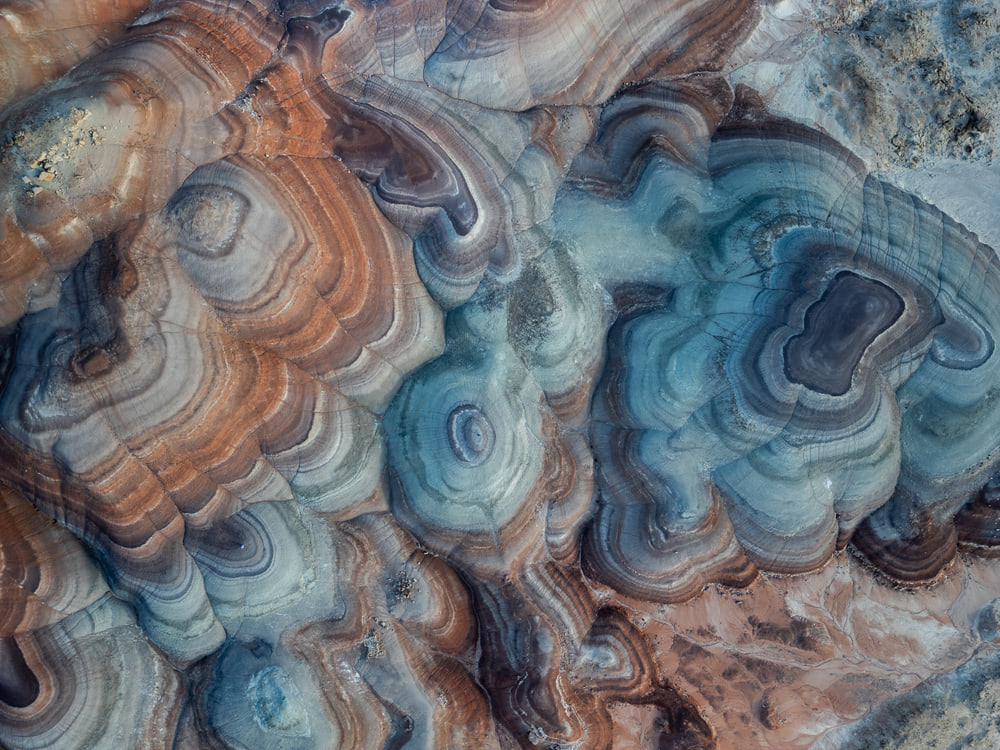
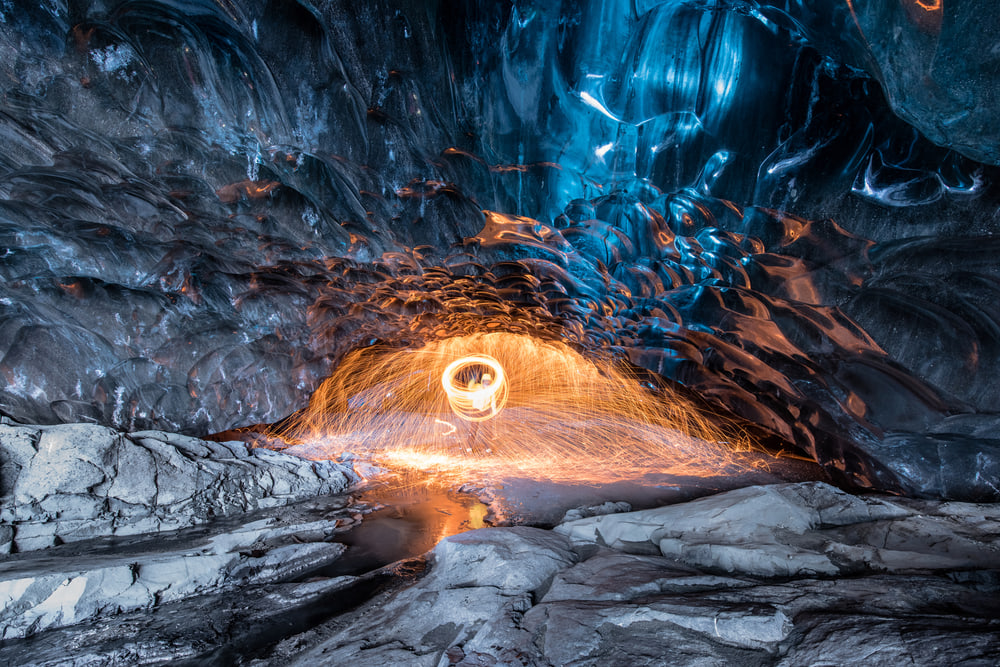
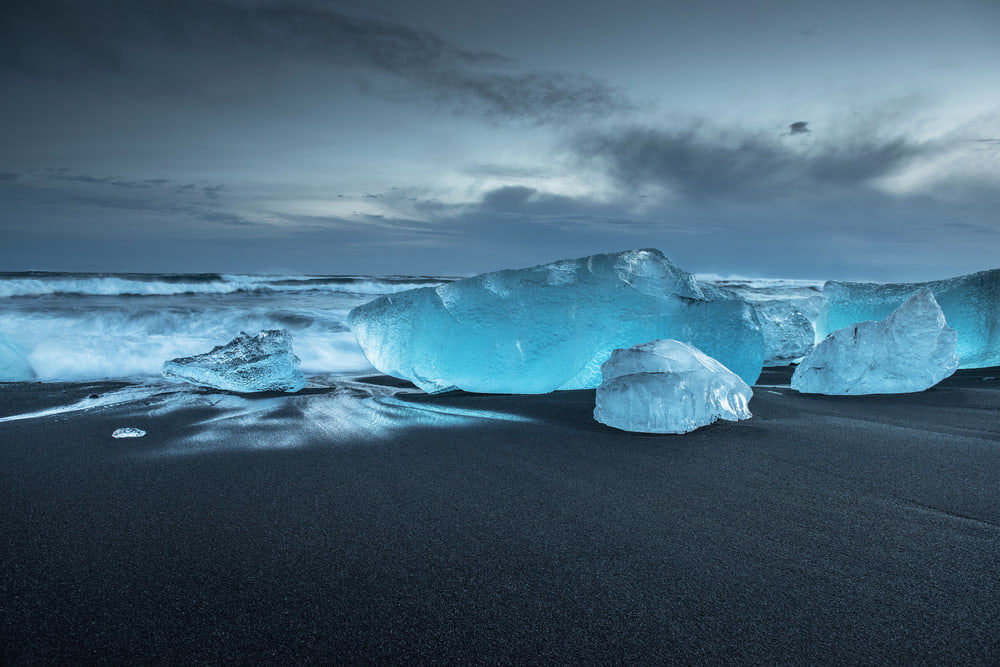
65 photos, shown 16:9 as they look on the TV. $15 each for home use.







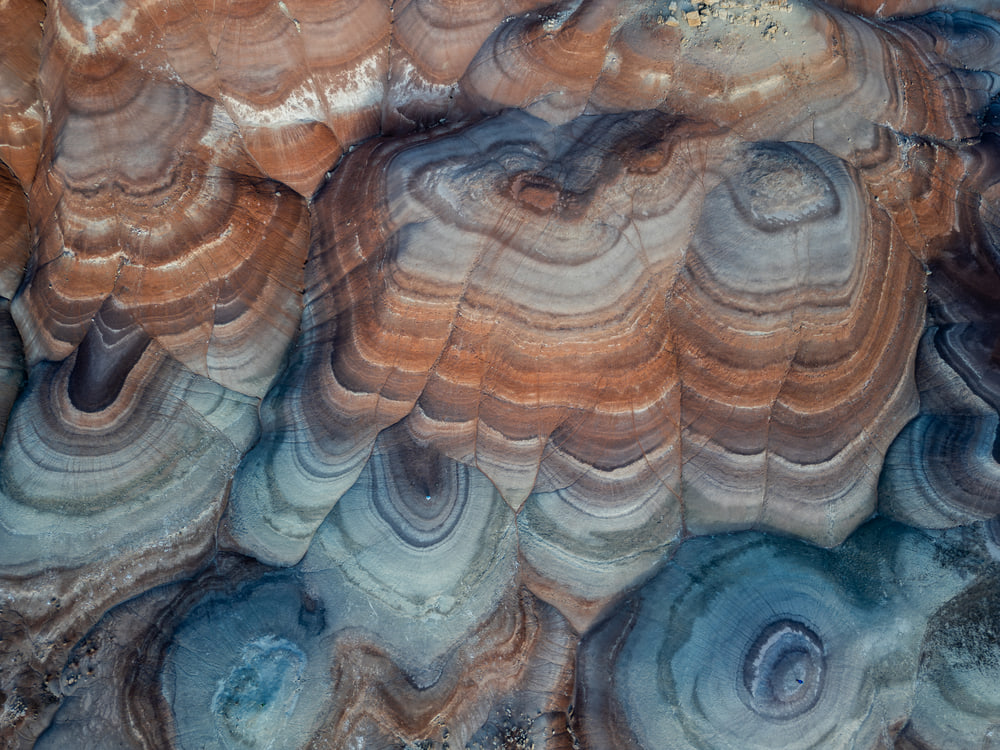





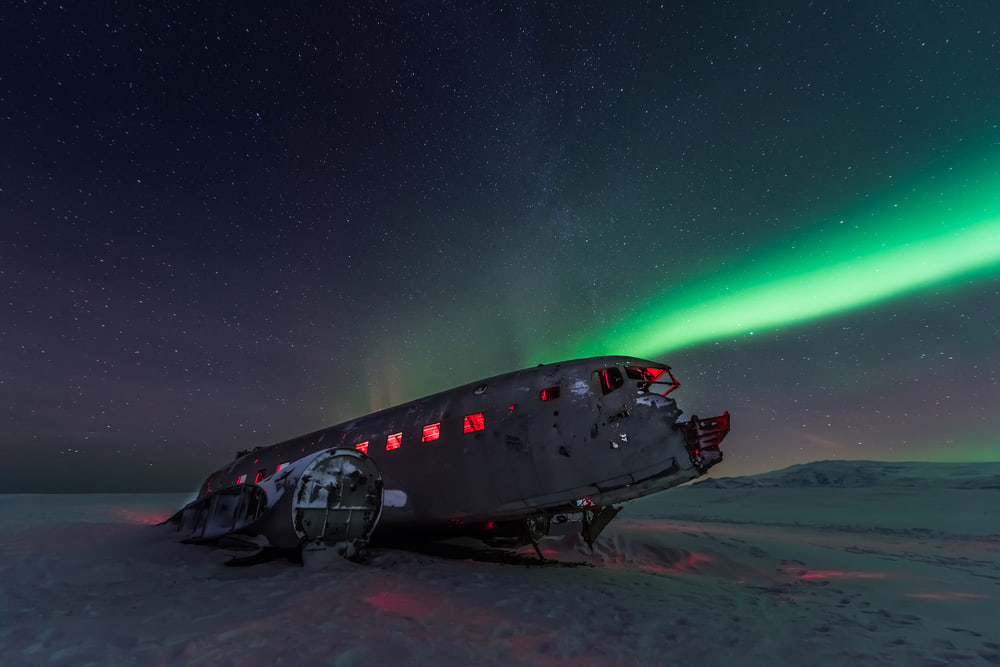


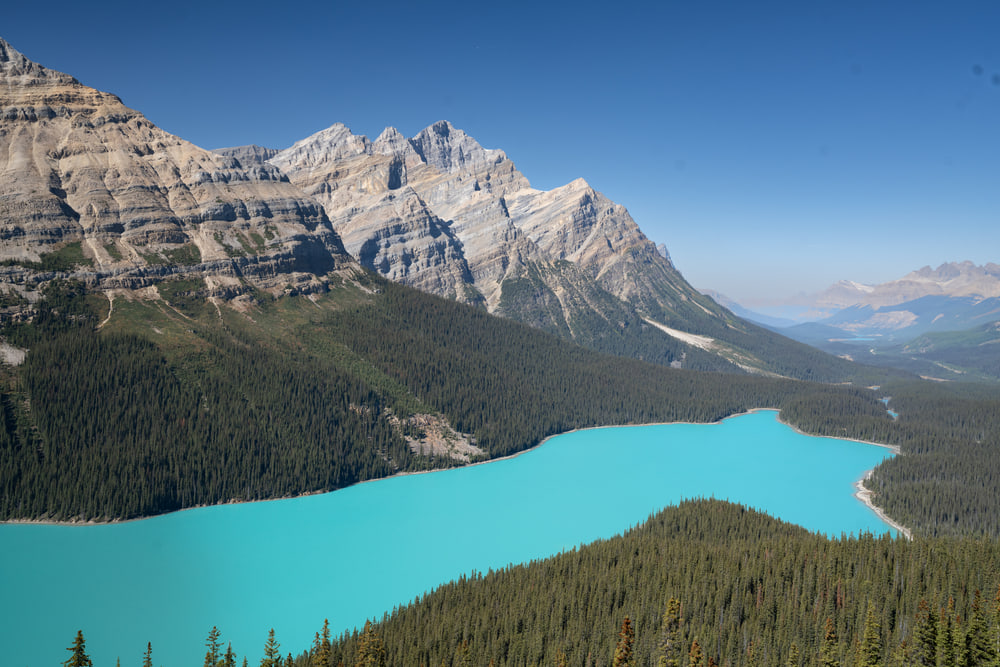



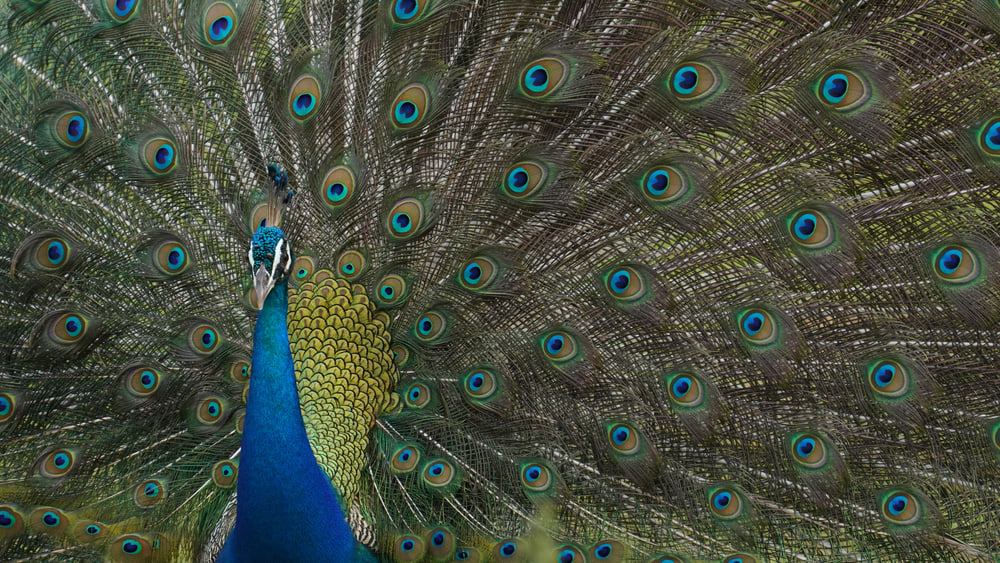









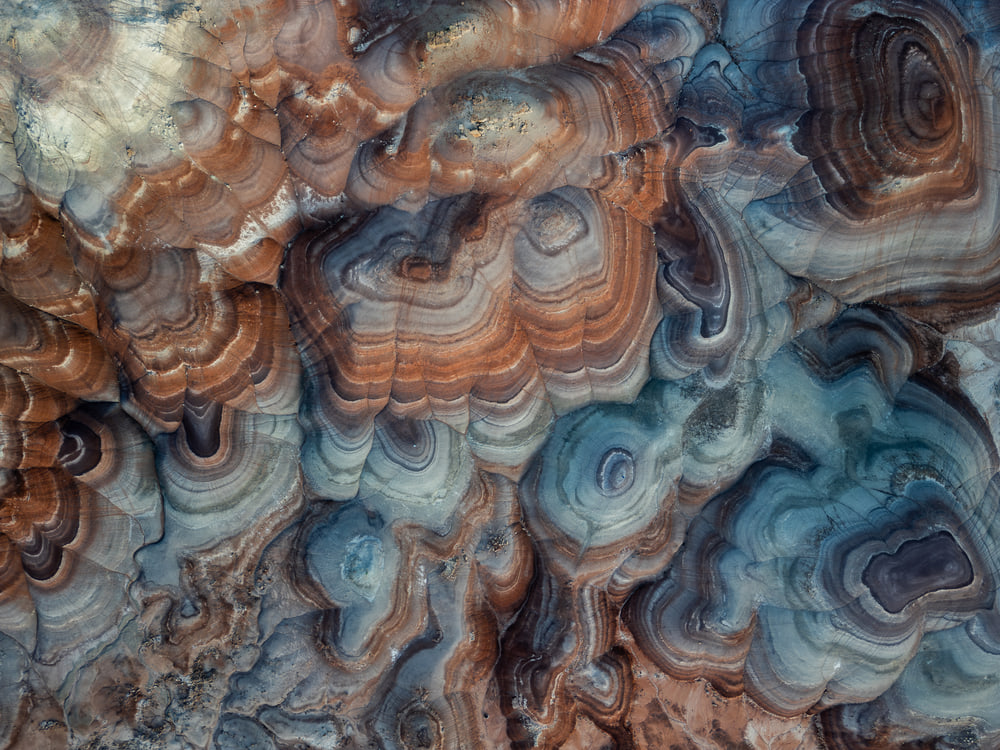




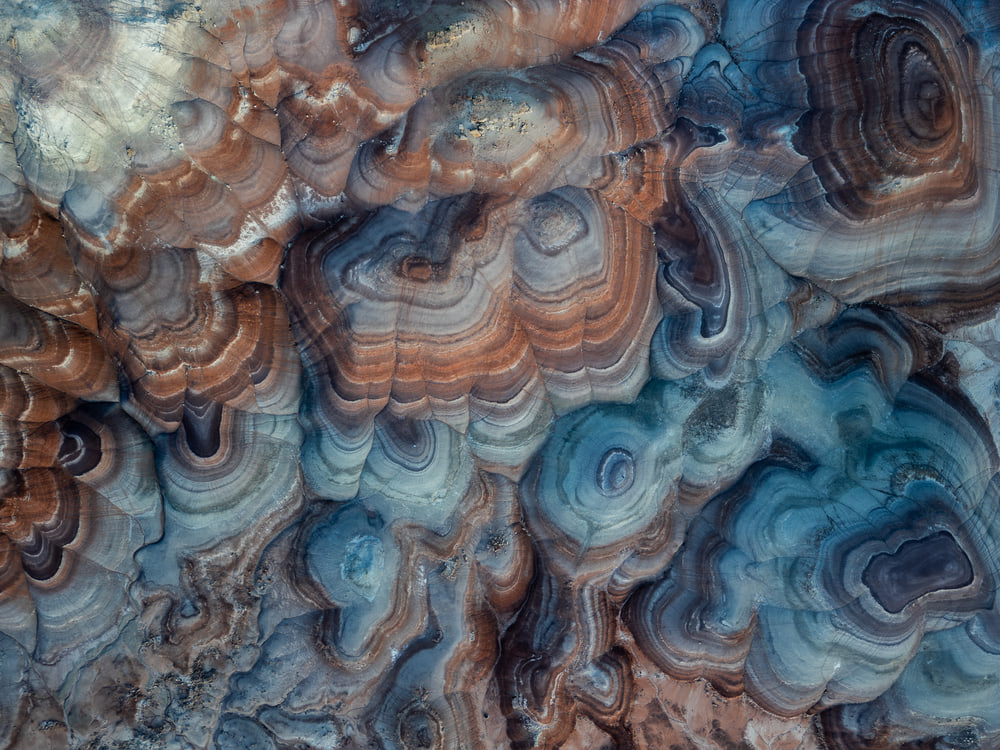


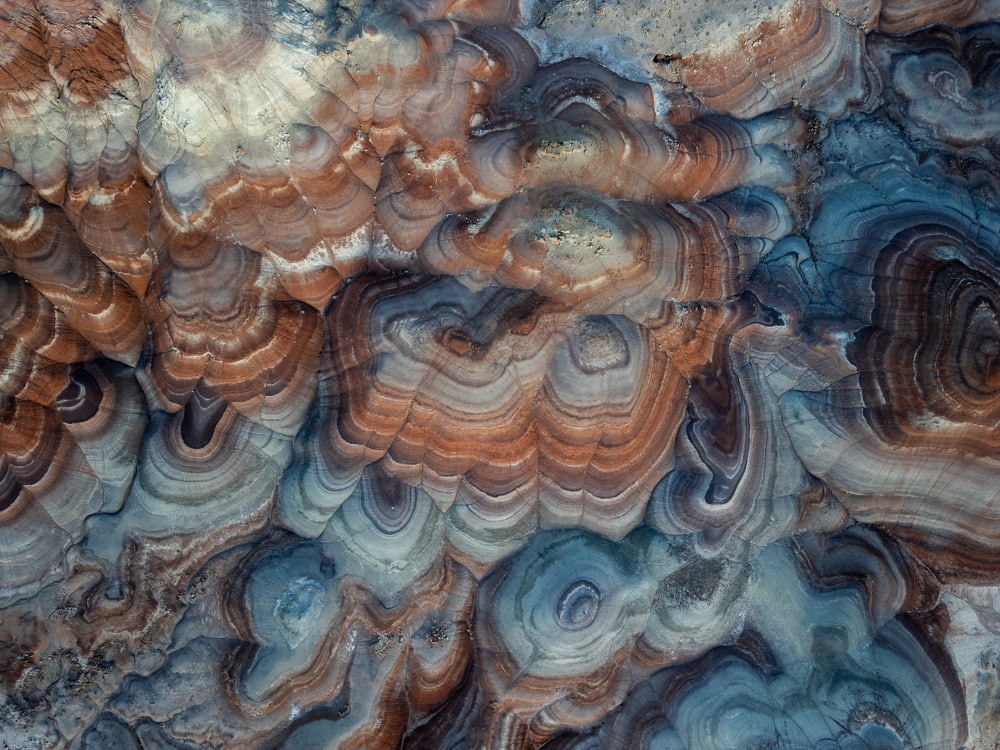



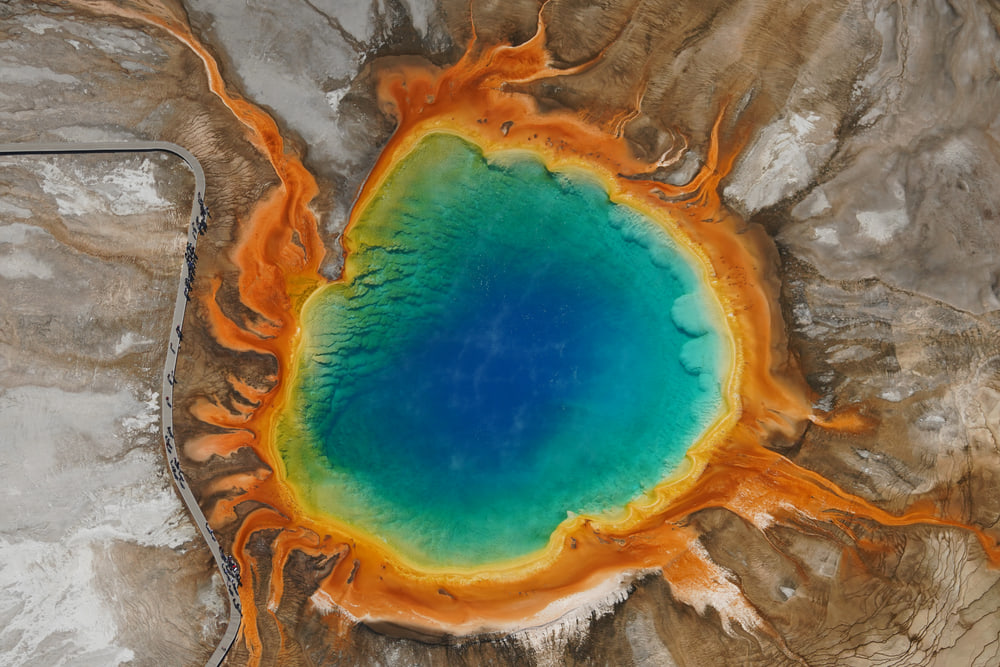
How to put it on your Gallery TV
With your phone
- Buy the photo and download the 4K file to your phone.
- Open LG's phone app for your TV, or share the photo to the TV.
- Add it to your own photos in the gallery or art mode.
- Pick it as the art the TV shows.
With a USB stick
- Copy the 4K file to a USB stick.
- Plug it into the TV.
- Open the gallery or art mode and choose the USB stick.
- Pick the photo and set it as your art.
Design your wall
See it on your wall first
Pick a room, a wall colour and any photo. Add your LG Gallery TV size under My devices and the TV in the room matches yours.
Try it on your wallDoes it fit the LG Gallery TV?
Yes. The 55 and 65 inch models are 4K, 16:9 screens, the same size as my file.
Do I need a subscription?
No. You pay once for each photo and keep the file.
Can I use it on other LG TVs?
Yes. Any 4K TV that shows your own photos can show it, for example from a USB stick.
How much does it cost?
$15 CAD per photo for home use. You pay once and keep the file. There is no subscription.
How do I get the file?
Right after you pay, the download is ready on the thank-you page. You can download it again any time under My account on this site.
Can I use it in a shop, office or hotel?
The Frame TV licence is for personal use at home. For a business or anything public, choose the Standard or Extended licence on the photo page, or contact me.