













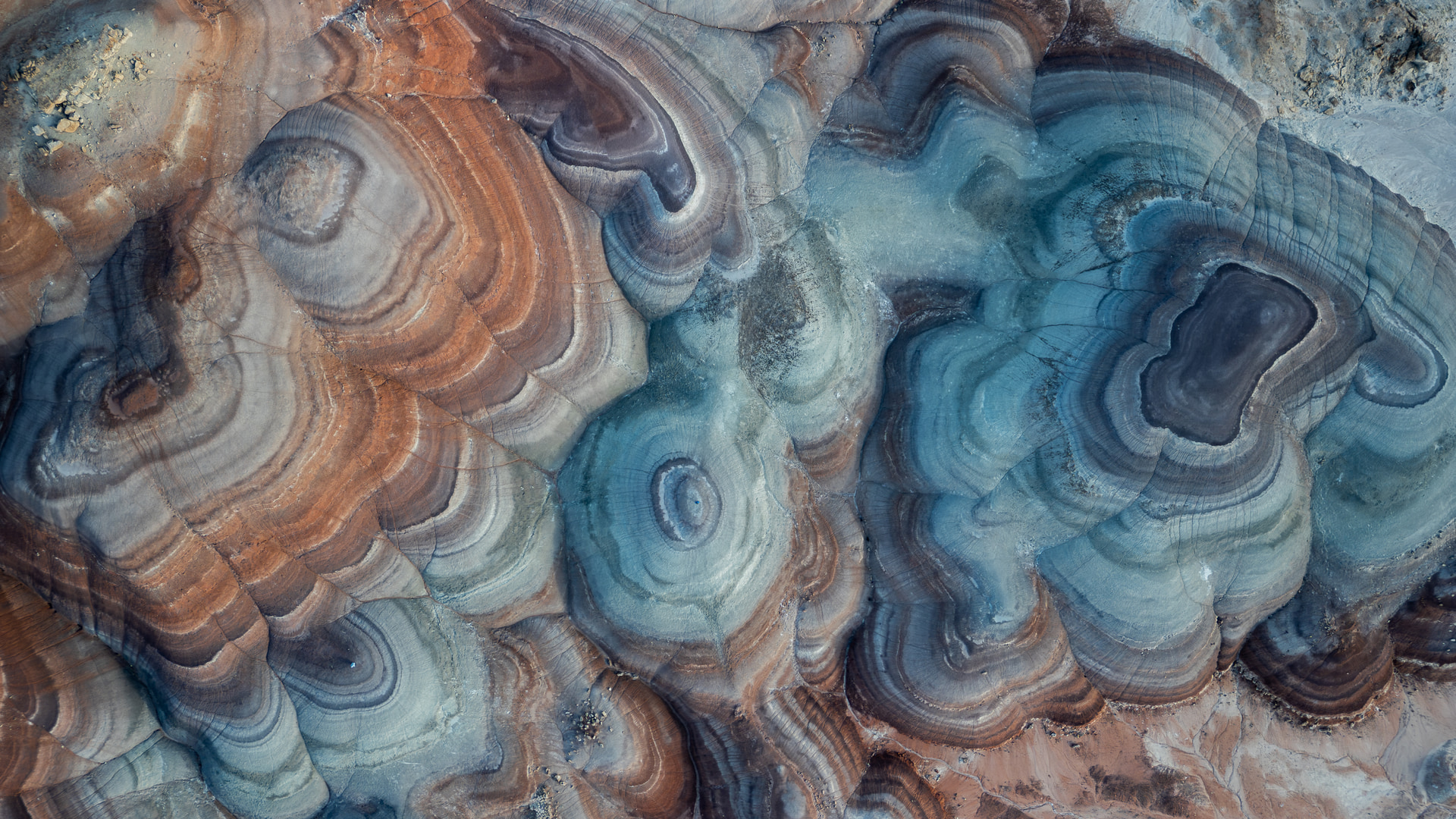

The Frame Pro is the brighter Frame, with a wireless box that sends the picture to the screen. It has the same Art Mode as The Frame, and my 3840 × 2160 photos fill it edge to edge in every size.
- 55"4K
- 65"4K
- 75"4K
- 85"4K
Art for Frame Pro
58 photos, shown 16:9 as they look on the TV. $15 each for home use.










































How to put it on your Frame Pro
With the SmartThings app
- Buy the photo and download the 4K file to your phone.
- Open the SmartThings app and tap your Frame Pro.
- Go to Art Mode, then My Photos, and tap + to add the photo.
- Pick a mat style (or no mat) and tap Set.
With a USB stick
- Copy the 4K file to a USB stick.
- Plug it into the wireless box.
- Open Art Mode, go to My Photos and choose the USB stick.
- Pick the photo, save it and set it as your art.
Design your wall
See it on your wall first
Pick a room, a wall colour and any photo. Add your Samsung The Frame Pro size under My devices and the TV in the room matches yours.
Try it on your wallIs it the same file as for The Frame?
Yes. Both are 4K, 16:9 screens, so one 3840 × 2160 file fits both, in every size.
Will it look good on a bright screen?
Yes. These are full-quality JPEGs, saved once from the original, so they stay sharp and clean on a bright 4K screen.
Do I need the Samsung Art Store?
No. You pay once for the photo and keep the file, with no subscription.
How much does it cost?
$15 CAD per photo for home use. You pay once and keep the file. There is no subscription.
How do I get the file?
Right after you pay, the download is ready on the thank-you page. You can download it again any time under My account on this site.
Can I use it in a shop, office or hotel?
The Frame TV licence is for personal use at home. For a business or anything public, choose the Standard or Extended licence on the photo page, or contact me.